
Don’t Start Your Next Innovation Project Without One of These Workflow Tools13 min read

Innovation projects can spiral out of control before you know it.
One day, you’re inspired by a surge of ideas; the next, you’re lost in shifting priorities and tight deadlines that seem to move overnight.
If you’ve tried to manage this with traditional project tools, you know they simply can’t keep up.
Standard platforms help with basic tasks, but they aren’t built for the unpredictable, nonlinear flow of true innovation.
Instead of making things easier, they add layers of frustration and slow your team’s momentum.
Key Features of Workflow Management Tools for Innovation
Choosing the right workflow management tool for innovation starts with understanding what actually makes a difference.
Innovation projects aren’t linear. You need tools that support idea generation, collaborative evaluation, decision-making, and fast execution.
Here are the key features to watch for:
- Customizable workflows
- Idea capture and management
- Real-time collaboration tools
- Workflow automation
- Drag-and-drop interface
- Reporting and analytics dashboards
- Third-party integrations
- User-friendly experience
- Security and compliance
Not every tool offers all these features at the same level.
Some specialize in specific areas, while others aim to be all-in-one solutions. Knowing your team’s priorities will help you narrow your options quickly.
Test several options if possible and gather feedback from your team to see what feels most natural.
Don’t rush the process — choosing the right tool now will pay off as your innovation projects grow more complex.
Top Workflow Management Tools for Innovation Projects
Below, you will find a curated list of leading workflow management tools that can help streamline innovation projects.
Each tool brings something unique to the table, so review the details and see which best matches your team’s needs.
1. Accept Mission
Accept Mission is purpose-built for innovation management.
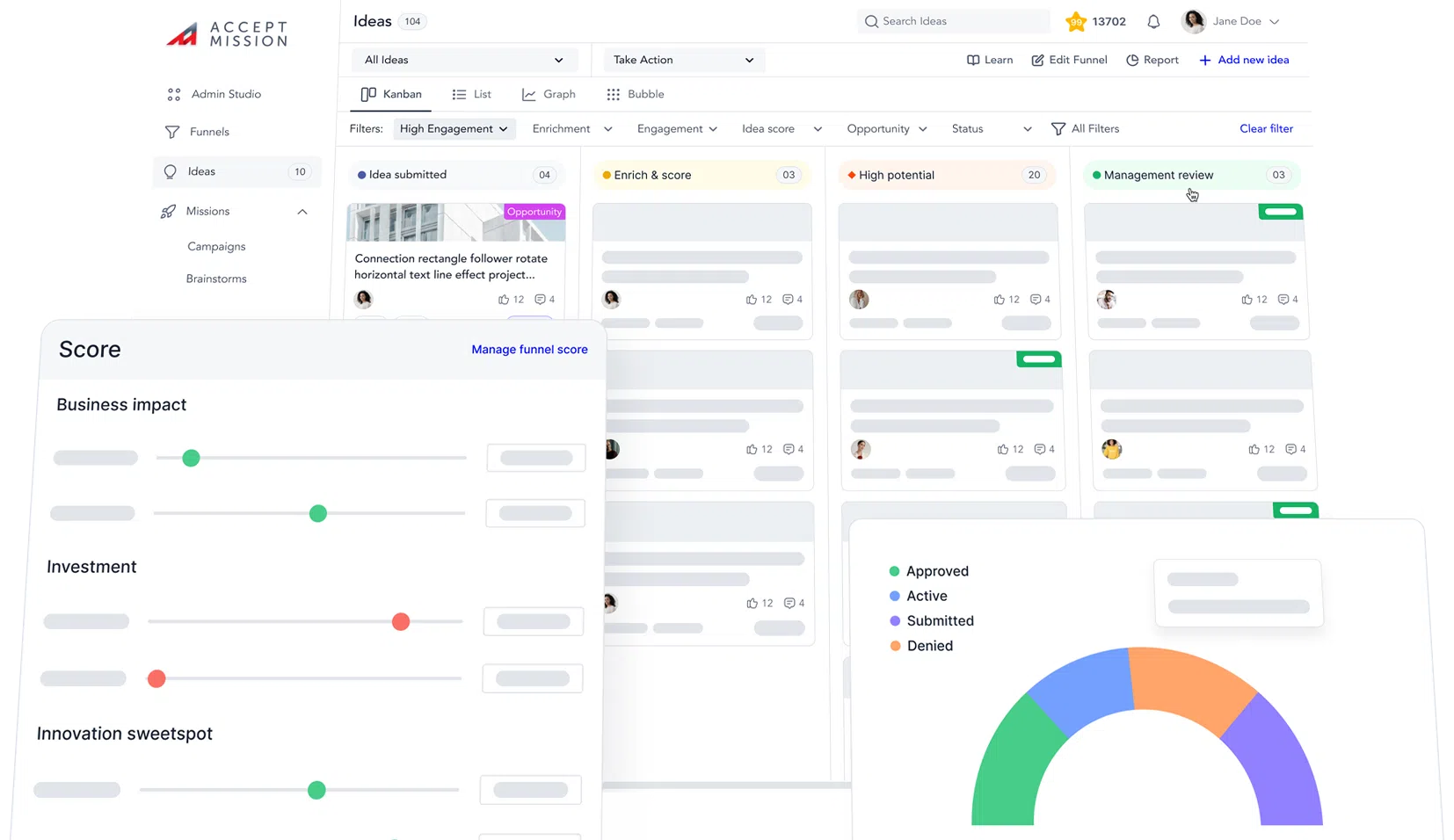
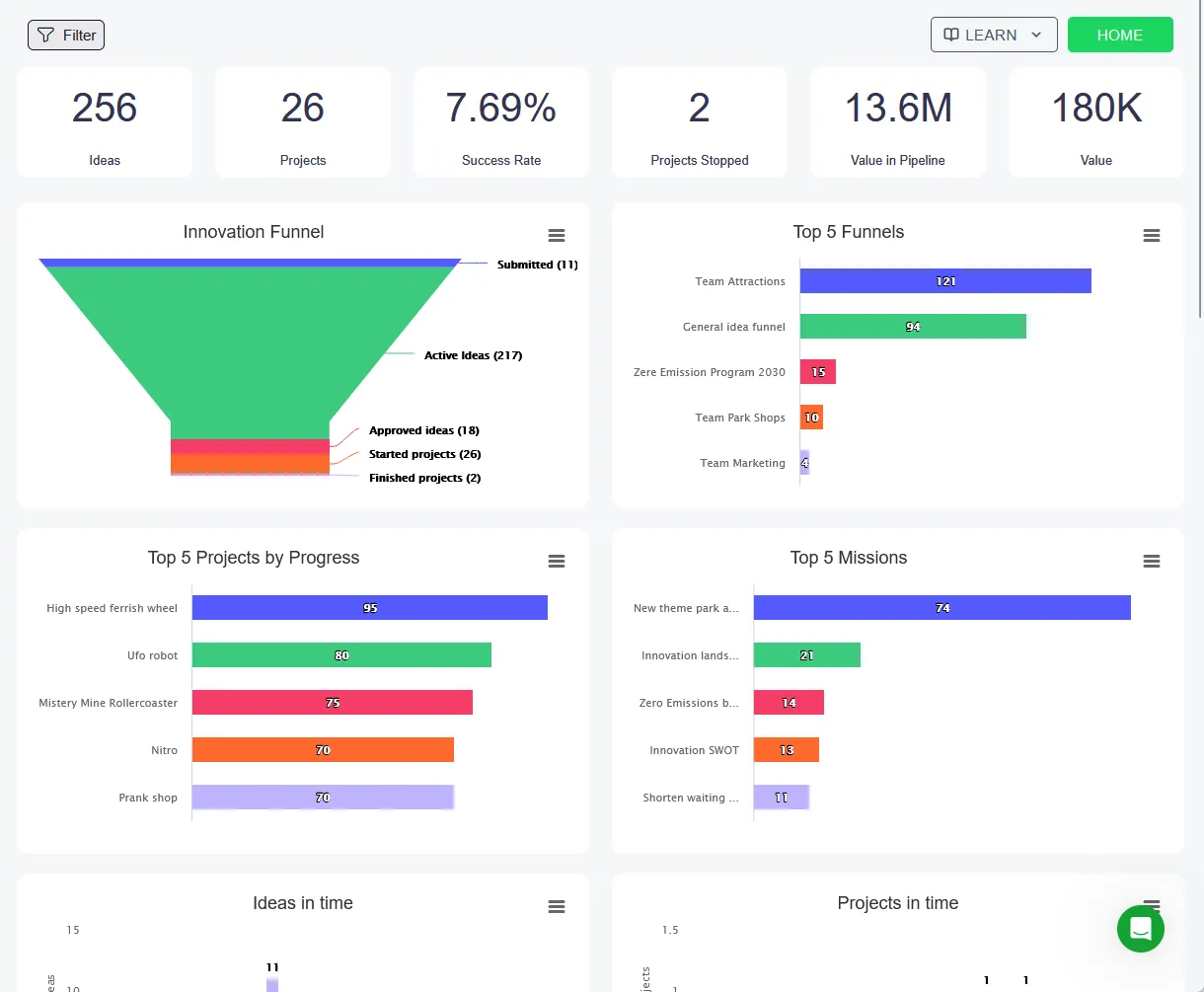
It stands out for its highly visual, drag-and-drop funnels and dashboards that let you manage everything from idea capture to project delivery in one platform.
- Drag-and-drop innovation funnels and dashboards make project tracking simple and visual
- Designed for end-to-end innovation, from idea generation through execution
- Supports custom workflows and project pipelines for different innovation stages
- Integrated collaboration tools, including team missions, chat, and notifications
- Detailed reporting and analytics to spot trends, track progress, and report outcomes
- Secure, cloud-based platform with robust permission settings
- Integrates with Microsoft Teams, Slack, and other popular tools
- Real-world templates for idea campaigns, project scoring, and more
- Flexible onboarding and strong customer support for innovation teams
Accept Mission is an excellent choice if your focus is streamlining the full innovation lifecycle from collecting new ideas to managing execution, all within a user-friendly platform.
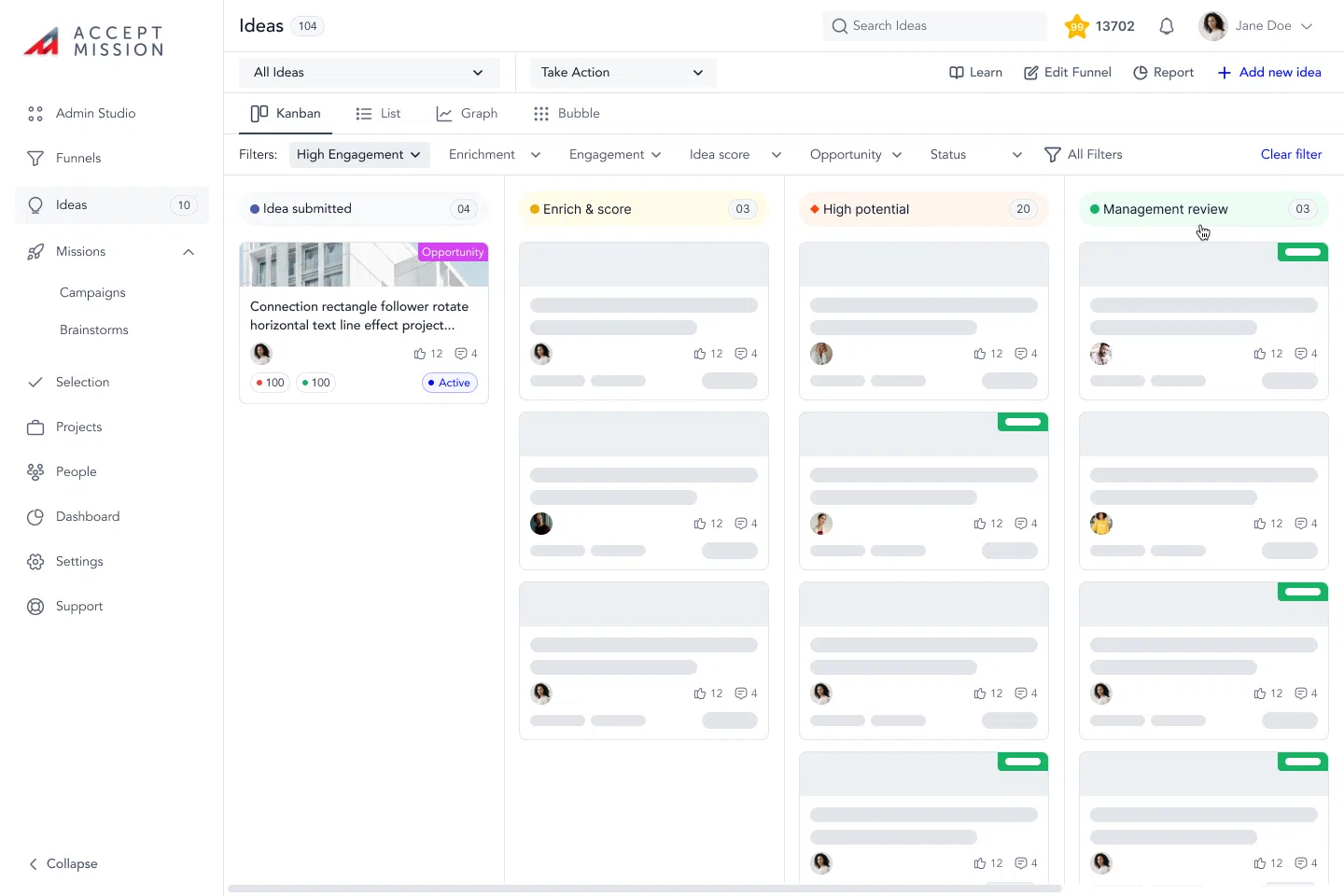
Its drag-and-drop features are especially helpful for visual thinkers and those who want quick insight into their project funnels.
These intuitive tools allow you to see the status of every idea, adjust workflows in real time, and immediately spot potential bottlenecks before they slow you down.
The visual approach not only accelerates adoption for all users but also makes it easier to report progress to stakeholders, helping everyone stay aligned and focused on results.
Book a demo with Accept Mission today to experience the platform’s innovation workflow first-hand and discover how it can transform your team’s entire approach to innovation.
2. Monday.com
Monday.com is a flexible workflow management tool that’s widely used across industries.
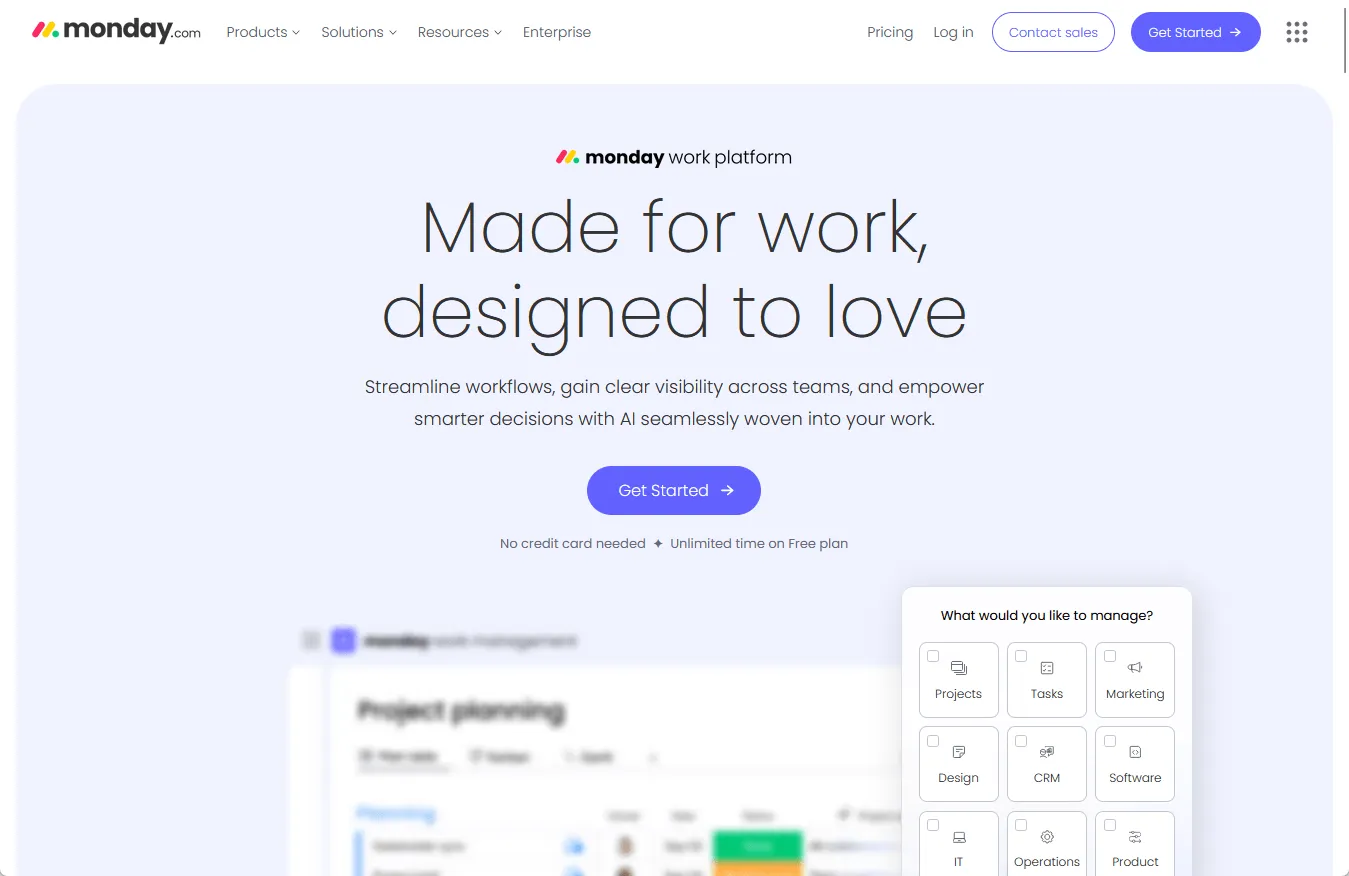
Its visual boards, automation, and template library make it a strong choice for innovation teams needing flexibility and collaboration.
- Highly customizable boards for building unique innovation pipelines
- Drag-and-drop interface for quick workflow changes
- Templates for brainstorming, idea evaluation, and project management
- Integration with hundreds of other apps, including Slack and Microsoft Teams
- Automation for recurring steps, reminders, or status updates
- Real-time collaboration with shared boards, comments, and file attachments
- Dashboard views for project tracking and analytics
- Mobile and desktop apps for remote teams
Monday.com excels when your team wants to set up its own workflow style.
It’s adaptable for different innovation models, whether you use design thinking, stage-gate, or something custom.
This flexibility means your team can experiment with new approaches, iterate quickly, and continuously improve your workflow as your innovation process evolves over time.
3. Asana
Asana is a popular choice for teams that want clarity and accountability in their innovation projects.

Its timeline, boards, and robust task management help teams move from idea to execution without losing track of anything.
- Boards, lists, and timeline views for managing projects your way
- Task dependencies and milestones for complex innovation workflows
- Automation features for assigning work, sending reminders, and moving tasks
- Goal tracking and reporting dashboards for measuring innovation progress
- Integrations with Google Workspace, Slack, Microsoft Teams, and more
- User-friendly mobile app for managing on the go
- Strong security and admin controls
Asana works especially well if you need to align multiple teams or keep everyone accountable to deadlines and deliverables.
Its clear task tracking ensures that every idea, no matter how small, continues to move forward and doesn’t get lost in the shuffle or forgotten in long task lists.
This visibility and structure help team members focus on the most promising ideas and make sure nothing gets overlooked.
4. Jira
Jira is known for software development, but its flexibility makes it suitable for managing innovation projects too.
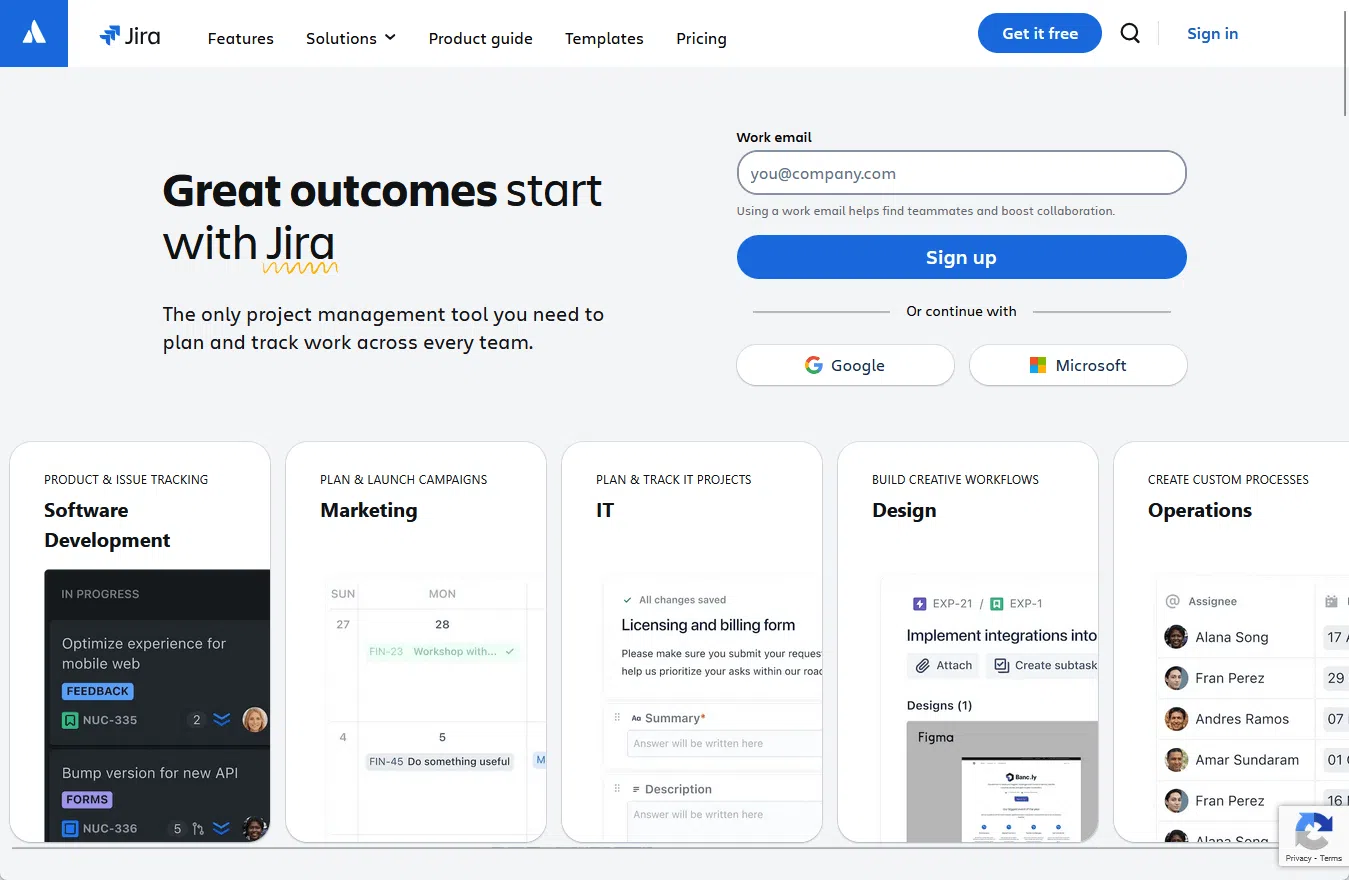
Custom issue types, workflows, and powerful automation let you adapt Jira to even the most complex innovation pipelines.
- Custom workflows and issue types for different stages of innovation
- Drag-and-drop Kanban and Scrum boards for agile teams
- Advanced automation for repetitive or complex processes
- Detailed reporting and analytics with customizable dashboards
- Integration with Confluence, Slack, and other tools
- Scalable for organizations of any size
- Strong security, compliance, and permission controls
Well, it’s more complex than some others, but highly customizable for power users.
Jira’s learning curve can be challenging at first, but teams that customize its workflows and automations are better equipped to manage detailed or complex innovation projects.
The platform’s flexibility and depth mean you can design virtually any process, integrate with advanced tools, and set up sophisticated tracking.
That makes it especially valuable for innovation leaders who want maximum control and scalability.
5. ClickUp
ClickUp markets itself as the “one app to replace them all.”
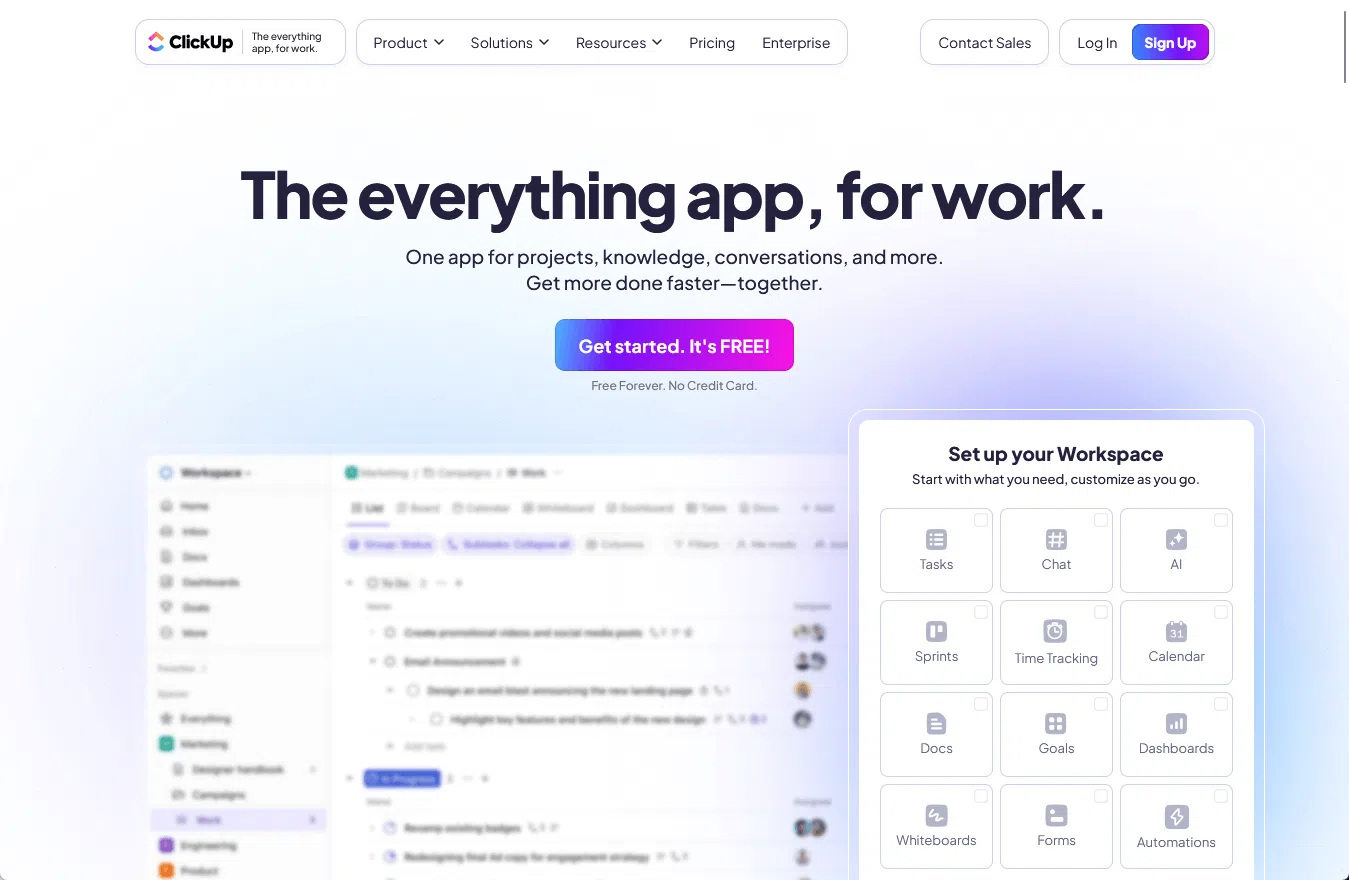
For innovation teams, it provides an all-in-one workspace with tasks, docs, goals, dashboards, and mind maps.
- All-in-one platform for tasks, docs, and workflows
- Drag-and-drop boards and customizable spaces
- Built-in templates for idea management and project planning
- Automation for repetitive actions or approvals
- Real-time dashboards for tracking innovation metrics
- Integration with hundreds of tools, including cloud storage and chat
- Advanced reporting and time tracking
ClickUp shines for teams that want everything in one place.
Its flexibility means you can run brainstorms, manage approval funnels, and execute projects without jumping between different apps.
You’re able to centralize innovation activities in one place, making collaboration and knowledge sharing more seamless and consistent across your team.
6. Smartsheet
Smartsheet combines the familiarity of spreadsheets with powerful workflow automation and collaboration.
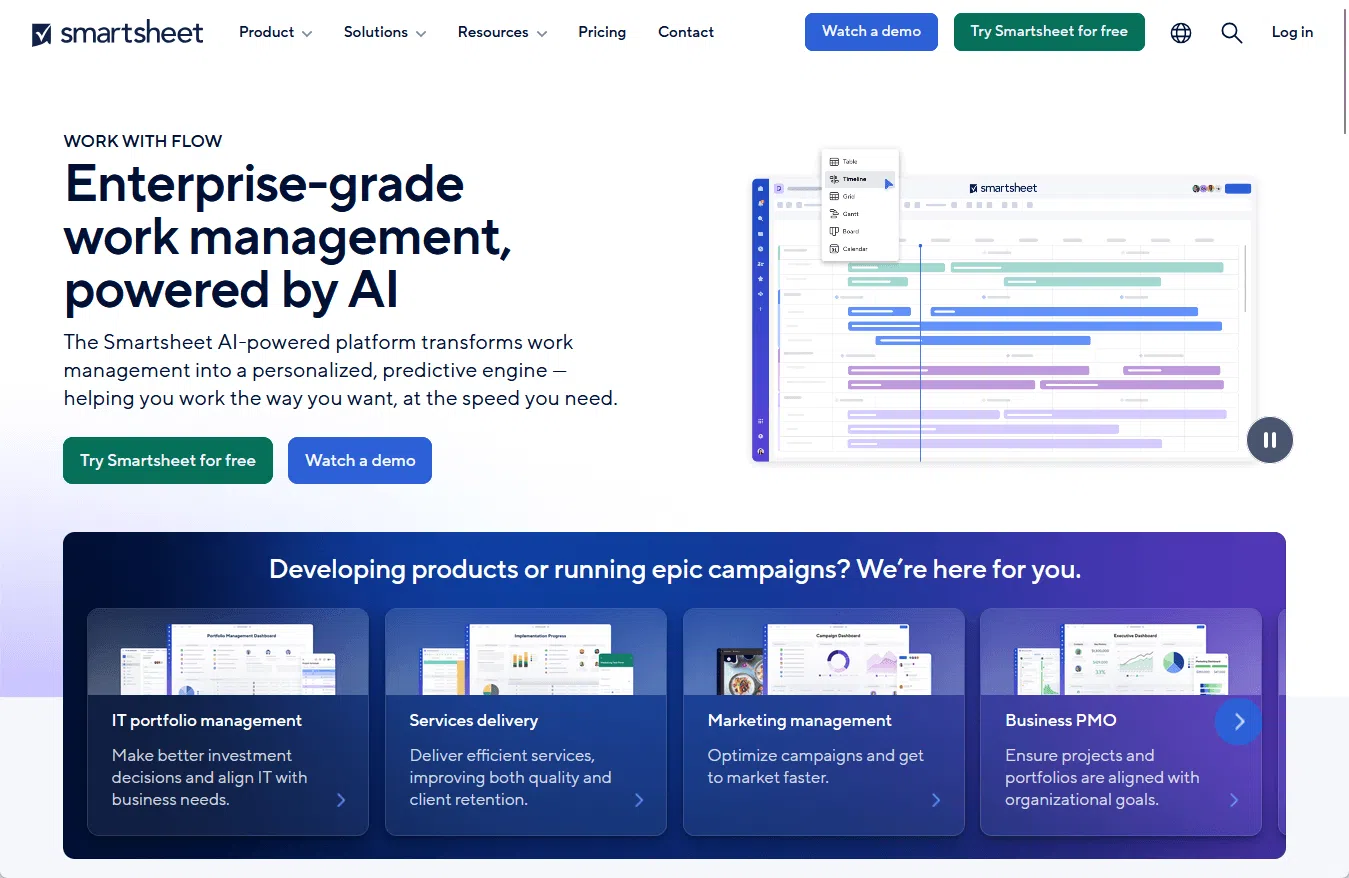
It’s a good fit for innovation teams who want detailed project tracking and process automation in a format that feels accessible.
- Spreadsheet-style interface with project templates for innovation
- Automation rules for approvals, updates, or status changes
- Resource management and allocation for innovation projects
- Gantt charts, calendars, and dashboards for project visibility
- Collaboration via comments, attachments, and notifications
- Integration with Microsoft 365, Google Workspace, Slack, and more
- Strong permissions and compliance controls
Smartsheet is great if your team prefers working with spreadsheets but needs more automation and real-time collaboration than Excel or Google Sheets alone provide.
It allows you to transition seamlessly from familiar spreadsheet tasks to advanced project management without a steep learning curve.
With its scalable features, Smartsheet can support small pilot innovation projects and large, cross-functional programs that demand tight coordination and transparent reporting.
7. Notion
Notion offers a flexible workspace where teams can build custom databases, wikis, and project pipelines.
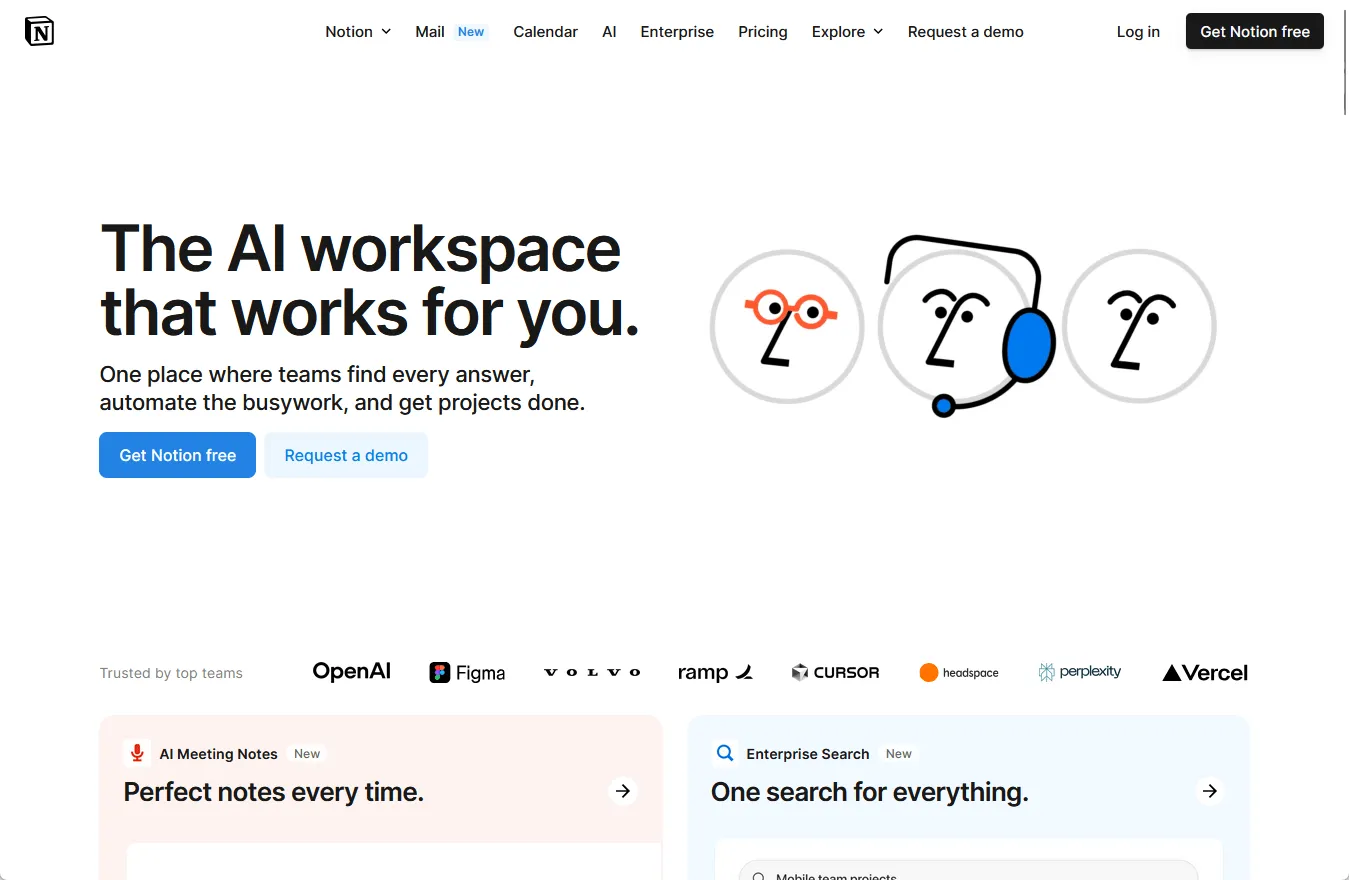
Its modular blocks make it easy to quickly set up an innovation process tailored to your team’s unique workflow.
- Customizable pages, databases, and templates for innovation management
- Drag-and-drop editor for building workflows and project pipelines
- Shared docs and wikis for capturing ideas and processes
- Simple automation for reminders and task management
- Integration with popular tools using third-party connectors
- Collaborative editing and comments in real time
- Clean, distraction-free user interface
Notion is ideal for teams that value flexibility and want to build a workspace from scratch. It’s especially popular among startups and teams with unique processes.
With Notion, teams can develop completely custom knowledge bases, centralize innovation documentation, and ensure every idea is captured and accessible.
Its adaptability empowers users to design processes that evolve as business needs change, helping organizations stay agile and responsive.
Comparison and Selection Criteria
With so many options, it’s important to focus on what matters most for your team.
Otherwise, you risk being distracted by flashy features or trends that don’t actually solve your team’s biggest challenges. 😅
Here’s a quick overview of how these tools stack up on common innovation workflow needs:
| Feature | Accept Mission | Monday.com | ClickUp | Notion | Jira | Asana | Smartsheet |
| Customization | Custom forms, idea boards, and workflows | Drag-and-drop boards, custom fields, dashboards | Custom views, statuses, task fields | Custom templates, pages, databases | Custom issue types, workflows | Custom fields, project templates | Customizable sheets, forms, reports |
| Automation | Built-in automation for workflows and missions | Automations for tasks, reminders, approvals | Task automation, reminders, dependencies | Basic automations, integration triggers | Automation rules, triggers, actions | Rule-based automation for tasks | Automated workflows and alerts |
| Integration | Connects with Teams, Slack, Zapier, and more | 200+ integrations (Slack, Google, Zoom) | Connects with over 1,000 apps | Integrates with Slack, Google, Zapier | Integrates with Dev tools, Slack, Google | Integrates with Slack, Google, Outlook | Connects to Microsoft, Google, Salesforce |
| Reporting/Dashboards | Real-time analytics and mission tracking | Visual dashboards, custom reports | Custom dashboards and reports | Database views, linked databases, charts | Advanced reporting, agile boards | Project dashboards, workload tracking | Interactive dashboards, data visualizations |
| Collaboration | Team chat, idea sharing, assignments | Real-time editing, team boards | Comments, chats, real-time updates | Collaborative notes, comments | Comments, mentions, shared boards | Task comments, @mentions, shared projects | Real-time collaboration, sharing, comments |
| User Experience | Clean, modern interface, easy to use | Colorful, drag-and-drop UI | Highly customizable UI | Minimalist, flexible design | Classic, powerful but more complex | Simple, intuitive interface | Spreadsheet-like, familiar for Excel users |
| Security/Compliance | SSO, 2FA, GDPR compliant | SSO, 2FA, ISO certifications | SSO, 2FA, role permissions | SSO, permissions, compliance options | Advanced permissions, audit logs, compliance | SSO, permissions, compliance tools | SSO, admin controls, enterprise-grade security |
When selecting a workflow tool, consider these factors:
- Team size
- Your innovation process
- Gaps you need to fill
Each team will have different requirements depending on how they generate ideas, manage approvals, or track results.
Here’s a table to help you quickly match the best tool for your team’s specific purpose:
| Best For | Tool | Why |
| Idea management & innovation | Accept Mission | Designed for idea collection, evaluation, and innovation workflow |
| General project management | Monday.com | Highly visual, flexible, easy for most teams to adopt |
| All-in-one productivity | ClickUp | Combines tasks, docs, goals, and automation in one place |
| Note-taking and documentation | Notion | Powerful for wikis, notes, knowledge bases, and team docs |
| Software development | Jira | Advanced workflows, reporting, and integrations for dev teams |
| Task tracking & teamwork | Asana | Simple, intuitive, great for organizing team tasks and projects |
| Spreadsheet-based work | Smartsheet | Familiar Excel-like interface, strong for data-heavy project tracking |
That’s why it’s important to look beyond popular brands and focus on finding a solution that fits how your people work day to day.
For many, piloting two or three tools with a small team is the fastest way to see what fits best. 😊
Why Accept Mission Stands Out for Innovation Projects
Many workflow tools promise innovation, but Accept Mission was designed specifically for the challenges real innovation teams face, such as:
- Keeping ideas moving
- Aligning stakeholders
- Making the entire process measurable
- Creating a repeatable workflow
Why does this matter?
Because without a dedicated tool, organizations often lose promising ideas in email threads, waste time on duplicate efforts, or struggle to show the real impact of their innovation pipeline.
Imagine an innovation manager at a large company launching a global idea campaign to improve customer experience.
Dozens of submissions pour in, each at a different stage, such as:
- Needing review
- Awaiting feedback
- Requiring resources to move forward
With Accept Mission, that manager can instantly set up a drag-and-drop funnel, customize the workflow to match review gates, and assign team members to evaluate ideas.
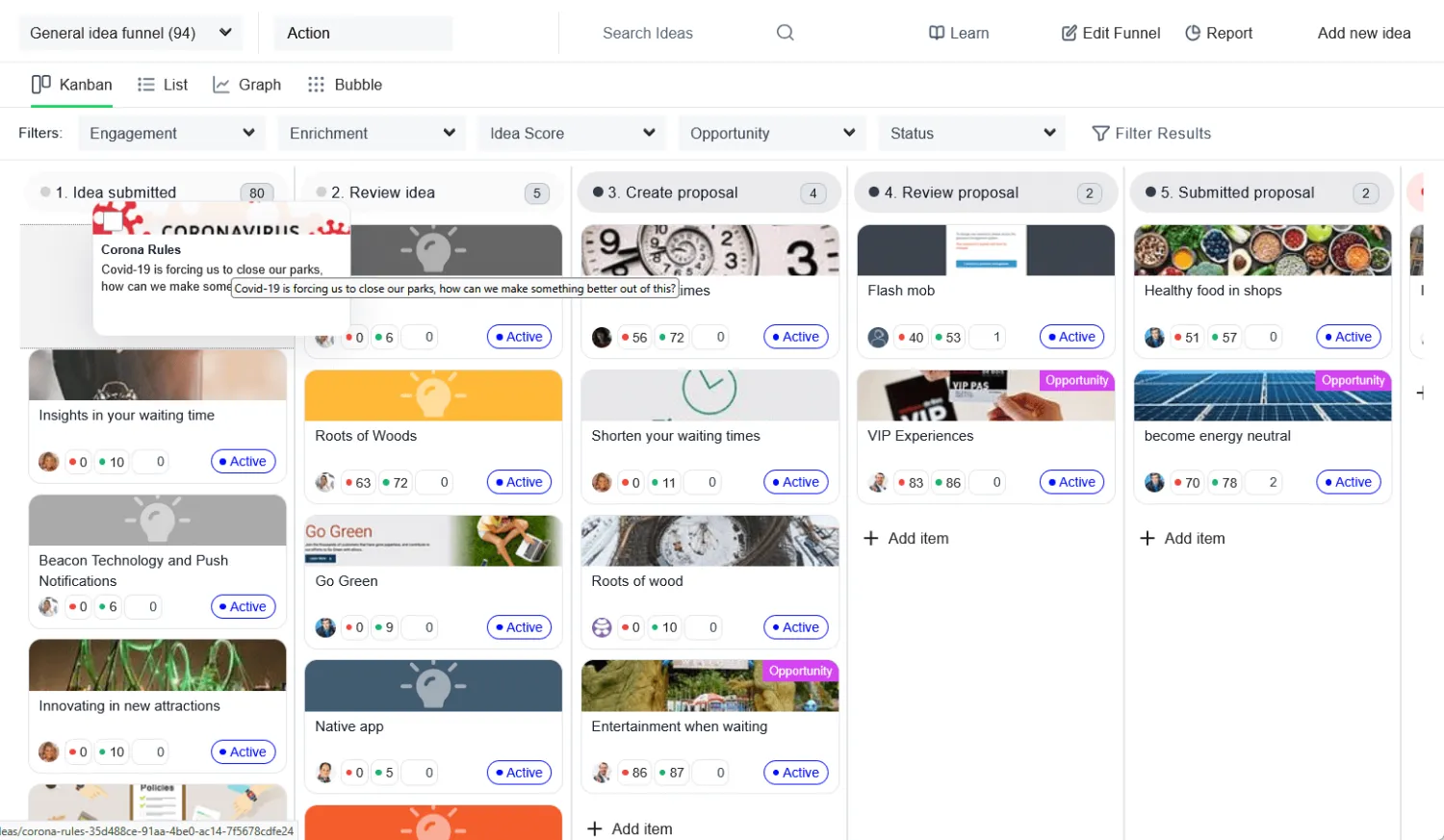
Instead of manually updating spreadsheets or sending endless reminders, the manager uses Accept Mission’s real-time dashboards to spot bottlenecks and progress at a glance.
This allows everyone involved to react quickly, make informed decisions, and keep ideas moving forward without getting bogged down by manual tracking.
Accept Mission’s AI features take this even further:
Accept Mission’s AI Innovation Assistants offer several specialized capabilities that help innovation teams work smarter and faster:
- Opportunity score
- Problem discovery
- Campaign builder
- Search trend researcher
- Idea enricher
- Maturity quick scan
- Idea generator and evaluator
- Scorecard generator and evaluator

This means the manager’s team spends far less time sorting, refining, or categorizing ideas, and much more time collaborating, running campaigns, and moving the best ideas to implementation.
AI-driven analytics and automation help you identify which ideas, teams, or trends deliver the most value, letting you focus and make smarter decisions as you grow your innovation program.
With Accept Mission, organizations can build a repeatable, transparent, and scalable innovation pipeline.
The visual approach, automation, and AI features free your team from busywork and help ensure no valuable idea slips through the cracks.
Final Thoughts and Next Steps
The right workflow management tool doesn’t just help you organize projects; it transforms innovation into a consistent, trackable process that delivers real business value.
That’s because it gives structure and visibility to your creative efforts, making it easier to turn ideas into measurable results and prove the impact of innovation across your organization.
The platforms above each excel in specific areas, so use the comparison tables and scenarios to match your team’s needs with the right features and approach.
If your goal is to create a seamless innovation pipeline, Accept Mission stands out with its all-in-one solution.
Its visual funnels, automation, and AI-powered idea management make it easy to capture, evaluate, and move ideas forward, removing bottlenecks and boosting results at every stage.
Next, take action: Book a demo with Accept Mission to see its features firsthand, or start a free trial if you want to explore at your own pace.
You can also shortlist two or three platforms from this guide, run a pilot with your team, and see which tool actually empowers your people to collaborate, innovate, and deliver real outcomes.



 English
 Dutch
Dutch Portuguese
 Spanish
 French
 German
 Arabic